
Your radiology department may be running at capacity on paper, but somewhere between order intake and signed report, time is silently bleeding out. Most facilities focus on what they can see: scan volume, staffing ratios, equipment uptime. The real productivity killers are subtler, buried inside the medical imaging workflow itself, showing up as low-grade friction that compounds across hundreds of studies every day.
A 2024 peer-reviewed framework analyzing workflow efficiency applications in radiology identified 31 distinct operational pain points (10 of which were ranked as high priority) across planning, image acquisition, the reading room, administration, and report delivery. Many of these pain points share a common trait: they are chronic, predictable, and largely fixable with the right architecture in place.
This article identifies seven of the most damaging hidden bottlenecks in the radiology workflow, explains the root cause of each, and describes what a real fix looks like.
Bottleneck 1: Worklist Routing That Treats Every Case the Same
Symptom
Radiologists spend the first few minutes of every reading session manually sorting their queue. Urgent cases get buried under routine studies. STAT labels feel meaningless because so many studies carry them.
Root Cause
Most worklist configurations use static priority rules set during PACS implementation and rarely revisited. Studies are ordered STAT by referring physicians out of habit or as a hedge, not because they meet clinical urgency criteria. Tampa General Hospital found that nearly 65% of total exams were ordered STAT, including 45% of inpatient studies, a figure that rendered the priority designation nearly useless for genuine emergencies.
When labels lose their meaning, the worklist becomes a passive queue rather than an active routing tool. Radiologists make their own prioritization decisions, which introduces variability and delays care for the patients who need it most.
Fix
Implement demand-side controls alongside intelligent routing logic. Clinical decision support prompts that require ordering physicians to confirm true clinical urgency before assigning a STAT status reduce inappropriate labeling. Tampa General Hospital reduced STAT CT orders by 40% within a year through mandatory attestation and workflow restructuring. On the PACS side, dynamic worklist orchestration based on exam type, modality, ordering location, and study age routes works to the right reader at the right time. OmniPACS includes configurable routing rules that let departments build this logic without depending on a vendor support ticket for every adjustment.
Bottleneck 2: Hanging Protocol Churn
Symptom
Radiologists spend 30 to 90 seconds per study manually adjusting image display. Window levels, prior comparisons, and series arrangement require constant intervention. The reading room feels slower than it should be.
Root Cause
Hanging protocols govern how studies open in a PACS viewer: which series appears in which panel, at what window/level preset, and whether priors load alongside. When protocols are not built out for every combination of modality, body part, exam type, and ordering indication, the viewer defaults to a layout that satisfies no one.
As scan types proliferate (new protocols, hybrid modalities, specialty-specific series) and as reading environments expand to include teleradiology and subspecialty reads, the gap between configured protocols and actual reading scenarios widens. The result is repetitive manual setup that consumes physician time and concentration.
Fix
Treat hanging protocol management as an ongoing maintenance task, not a one-time implementation project. Audit viewer interactions periodically to identify study types where manual adjustments cluster. Build out protocols that handle subspecialty variants, then deploy them at the user level so that individual radiologists do not have to rebuild preferences across sessions. OmniPACS supports custom hanging protocol libraries that persist across reading stations, reducing setup friction wherever a radiologist reads.
Bottleneck 3: Modality Worklist Failures and DICOM Header Errors
Symptom
Technologists occasionally have to re-enter patient demographic information at the scanner console. Studies arrive in PACS with mismatched names, incorrect accession numbers, or wrong procedure descriptions. Downstream matching fails silently.
Root Cause
The DICOM Modality Worklist (MWL) service is the mechanism by which patient and study information flows automatically from the RIS to the acquisition modality. When the connection is properly configured, technologists select the scheduled procedure from a list, and the scanner automatically populates all demographic fields. When the MWL connection is broken, misconfigured, or overridden by manual data entry, errors propagate through the entire imaging chain.
Even when MWL is functioning, incorrect patient selection from the worklist introduces a different category of error: correct data, wrong patient. These mislabeled studies reach PACS immediately associated with the wrong record. Downstream consequences include failed report matching, billing discrepancies, and patient safety risks.
Fix
Validate the MWL configuration across all modalities in the fleet on a regular schedule. Establish a protocol that prevents technologists from manually entering patient data at the console when a worklist entry exists. For environments with high-volume or complex scheduling, automated reconciliation workflows that compare DICOM header data against RIS records and flag discrepancies before studies reach the reading queue provide a critical catch layer. OmniPACS supports automated DICOM header validation as part of its ingestion pipeline, surfacing mismatches before they affect downstream workflow steps.
Bottleneck 4: Prior Study Retrieval That Stalls the Read
Symptom
Radiologists open a current study and find that the prior comparison is not loaded. They navigate to a separate system, search for the patient, locate the relevant prior, and wait for images to transfer. The study that should have taken eight minutes takes fifteen.
Root Cause
Displaying current and prior studies side by side is one of the highest-value functions in radiology workflow optimization. Yet many practices treat prior retrieval as a real-time lookup rather than a pre-fetch operation. When images reside in different archive locations (an on-premises VNA, a legacy PACS, a referring facility’s system, or a film digitization archive), on-demand retrieval latency becomes a bottleneck that accumulates invisibly over a full reading day.
Practices running hybrid storage environments or multi-facility networks are particularly exposed. A radiologist reading studies from three different sites may encounter three different archive behaviors in a single session.
Fix
Configure intelligent pre-fetch rules to automatically retrieve relevant prior studies based on study type, body part, and patient history when a new exam is scheduled or enters the queue. Pre-fetching should begin before the radiologist opens the study, not after. In cloud-based environments, pre-fetch can pull from remote archives across facility boundaries without requiring VPN tunnels or manual transfer requests. OmniPACS manages prior retrieval automatically across distributed storage layers, so priors load in context with the current study rather than as a separate workflow step.
Bottleneck 5: Dictation Context Switching
Symptom
Radiologists toggle between the PACS viewer and a separate dictation application, repeatedly switching keyboard and mouse focus. Voice recognition errors require manual correction in one window while images are visible in another. Structured templates are not available inside the viewer.
Root Cause
When the viewing and reporting environments are separate applications, even when well integrated, cognitive switching costs accumulate. The radiologist must hold findings in working memory while context-shifting to a dictation interface, increasing both error rates and fatigue. Voice recognition systems that are not calibrated to an individual user’s vocabulary and speaking cadence produce transcription errors that require time to review and correct.
Poor integration between dictation software and report templates compounds the problem. Free-text dictation with no structured scaffolding produces reports with high variability that take longer to proof and sign off, delaying the report turnaround process for the receiving clinician.
Fix
Embed reporting tools directly within the reading environment. Structured report templates tied to study type and body part reduce the cognitive overhead of composing findings from scratch. When structured templates are used consistently, preliminary reports reach attending review faster, and the review cycle is shorter because expected sections are already populated. Voice recognition trained on radiology-specific vocabulary within the integrated reporting interface further reduces correction time. OmniPACS integrates structured reporting and voice recognition within its viewer interface, keeping the radiologist’s focus on the images rather than on application management.
Bottleneck 6: Report Turnaround Handoff Failures
Symptom
A study is read, and the report is signed, but the referring physician does not receive timely notification. Critical findings go unreported to the ordering team for hours. Callbacks occur by telephone rather than through a structured communication channel.
Root Cause
Report delivery is the final handoff in the medical imaging workflow, and it is often managed through a combination of automated HL7 routing, manual fax workflows, and informal phone calls. When HL7 message delivery to the EHR fails silently, the referring physician has no report and no notification that anything went wrong. Critical finding communication lacks a closed-loop acknowledgment mechanism, meaning the radiologist has no confirmation that the finding was received.
This is particularly acute for after-hours reading environments and teleradiology models where the reading radiologist and the referring physician are in different time zones and have no shared communication channel other than the report itself.
Fix
Implement closed-loop critical results notification with tracked acknowledgment. The radiologist flags a finding as critical within the reporting interface, a structured notification is sent to the ordering provider through a defined channel, and acknowledgment is required before the workflow closes. Automated HL7 delivery monitoring alerts the practice to failed message transmissions before they become clinical events. OmniPACS includes built-in report distribution workflows that connect signed reports to referring physician notification, with audit trails for compliance and quality review.
Bottleneck 7: RIS/PACS Reconciliation Gaps
Symptom
Studies that were acquired and read exist in PACS, but the RIS still shows them as scheduled or in progress. Billing cannot process the claim. Reporting metrics are inaccurate. Administrative staff spend time manually reconciling records between systems.
Root Cause
The Modality Performed Procedure Step (MPPS) protocol is the DICOM mechanism that closes the loop between acquisition completion and administrative status updates in the RIS. When MPPS is not implemented by a modality, or when the acquisition occurred without a prior MWL query (so MPPS N-SET cannot be associated with the scheduled procedure), the RIS receives no signal that the exam is complete.
The study lives in PACS. The report is signed. But the RIS administrative record remains in “scheduled” state indefinitely. Multiply this by the volume of protocol mismatches and interface gaps in a typical multi-modality department, and the administrative overhead compounds quickly.
Deeper EHR/PACS integration challenges can also contribute here: when the clinical and administrative systems are not tightly connected, status updates that depend on cross-system events are fragile.
Fix
Audit MPPS implementation across all modalities and resolve configuration gaps. For legacy modalities that do not support MPPS, implement a workaround in the DICOM gateway layer to generate status updates based on image arrival events. Automated reconciliation workflows that compare PACS archive state with RIS scheduling records and automatically close studies that meet defined completion criteria significantly reduce the manual reconciliation burden. OmniPACS handles this through its integration layer, which monitors study state across both systems and triggers RIS updates without requiring manual intervention from administrative staff.
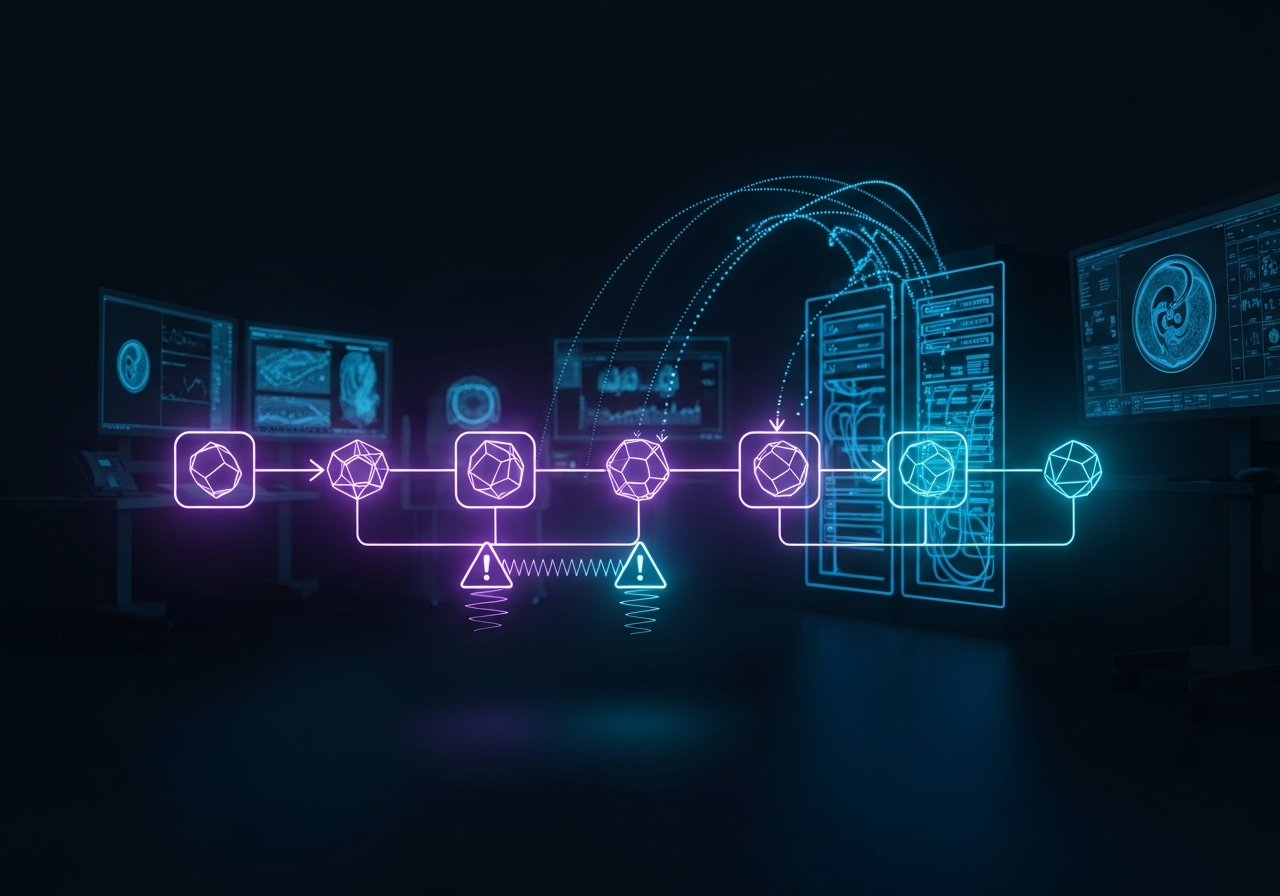
How These Bottlenecks Damage the Medical Imaging Workflow
None of the seven issues above requires purchasing a new modality or hiring additional radiologists to resolve. They are architectural problems: gaps in integration, configuration choices that were never revisited, and handoffs that rely on manual intervention when automation is available.
Taken together, they create a workflow that looks functional on the surface but leaks time at every seam. A radiology department that addresses all seven can expect measurable reductions in report turnaround time, lower administrative overhead, and fewer escalations from referring clinicians.
The organizations that address these gaps systematically rather than one at a time typically move fastest. That means choosing a platform that treats workflow integration as a first-class capability, not an afterthought. OmniPACS was built specifically to close the integration gaps that create these bottlenecks, from DICOM ingestion through to report delivery, as part of a unified architecture rather than a patchwork of point solutions. If your department is experiencing any of the symptoms described above, explore OmniPACS solutions to see how the platform addresses them.
Frequently Asked Questions
What is the most common bottleneck in a radiology workflow?
Worklist management problems, particularly the misuse of STAT labeling and lack of dynamic routing logic, consistently rank among the highest-impact bottlenecks. When every exam carries the same priority designation, genuinely urgent studies compete with routine work, extending turnaround times for patients who need rapid results.
How do hanging protocol issues affect productivity?
Each time a radiologist manually adjusts display settings, they spend time on a task that should have been automated at the protocol level. Across a reading session covering dozens of studies, this adds up to significant lost capacity. Well-maintained hanging protocol libraries, matched to exam type and subspecialty requirements, eliminate most of this friction.
What causes RIS/PACS reconciliation failures?
The most common cause is a gap in the MPPS implementation chain. When a modality does not transmit a procedure completion signal, the RIS does not update the study status, leaving administrative records unresolved even after the radiologist has signed the report.
How can DICOM Modality Worklist failures be prevented?
Regular validation of MWL connections across all modalities, combined with protocols that prevent manual data entry when a worklist entry exists, addresses most DICOM header errors before they propagate downstream.
How does OmniPACS address these workflow bottlenecks?
OmniPACS provides configurable worklist routing, hanging protocol libraries, automated DICOM header validation, intelligent prior pre-fetch, integrated structured reporting, closed-loop notification, and DICOM gateway-level reconciliation, all within a single cloud-native platform. OmniPACS delivers scalable monthly plans for practices at any volume, making it practical for community hospitals and imaging centers as well as large health systems.