
New hires on a radiology IT team spend their first month decoding alphabet soup before they can decode anything else. A ticket mentions an MWL failure, a vendor contract references a BAA, and a colleague asks whether the SCP is down, all before lunch. Knowing the PACS meaning behind each acronym, not just what the letters stand for but what the thing actually does, is what separates someone who can troubleshoot a workflow from someone who is still looking things up mid-call.
This PACS glossary covers 30 of the radiology acronyms a radiology IT team encounters most, grouped into six practical categories: core systems, DICOM terms, HL7 and interoperability, imaging modalities, security and compliance, and day-to-day operations. Each entry gives the full name and a short, practical explanation, the kind you would want a teammate to give you rather than a textbook definition. Teams evaluating or running a platform like OmniPACS will recognize most of these terms from vendor documentation, support tickets, and integration conversations, so bookmark this page as a reference for whenever the acronyms start piling up.
PACS Meaning and Core Health IT System Acronyms
These are the systems that store, schedule, and route the data a radiology department depends on. Understanding how they relate to one another is the foundation for everything else in this glossary.
PACS
Picture Archiving and Communication System. In practical terms, PACS is the software and storage backbone that captures, archives, and distributes medical images, so a radiologist can pull up a study from any connected workstation instead of waiting for physical film. If you are still mapping out how a PACS fits into the rest of a department’s systems, that’s the natural starting point before the rest of this list makes sense.
RIS
Radiology Information System. The RIS manages the administrative and scheduling side of a radiology department: patient registration, exam scheduling, report generation, and billing. It typically exchanges data with the PACS via HL7 messaging, so a scheduled exam appears correctly at the modality.
HIS
Hospital Information System. HIS is the umbrella system that manages hospital-wide administrative and clinical data, including patient records, billing, and staffing. Department-specific systems like the RIS and PACS usually plug into it rather than replace it.
EHR
Electronic Health Record. An EHR is the patient’s longitudinal clinical record spanning all encounters and providers. Modern EHRs typically embed a diagnostic-quality image viewer or link out directly to the PACS, so a referring physician can review a scan without leaving the chart.
VNA
Vendor Neutral Archive. A VNA stores images and documents from multiple departments and vendors in a standard format and interface, so imaging data stays accessible even if a facility switches PACS vendors down the road. A well-built VNA typically leans on the same interoperability profiles that keep cross-enterprise sharing consistent, which is part of what makes vendor migrations less painful than they used to be.
DICOM Terms Every Radiology IT Team Should Recognize
DICOM governs how images move from a scanner to a PACS and how they get described along the way. Teams running distributed sites often rely on cloud DICOM routing to keep movement fast and reliable, and these are the DICOM terms that appear most often in configuration screens, error logs, and vendor conversations.
DICOM
Digital Imaging and Communications in Medicine. DICOM is the international standard that defines how medical images and the data around them (patient details, acquisition settings, study metadata) are formatted and exchanged, so a scan from one manufacturer’s scanner opens correctly on another vendor’s workstation.
WADO
Web Access to DICOM Objects. WADO defines a way to retrieve a specific DICOM image or study over standard web protocols, which is what makes browser-based image viewing possible without installing a dedicated desktop client.
MWL
Modality Worklist. The MWL feeds a scanner the day’s scheduled exams (patient name, accession number, ordered procedure) pulled from the RIS, so a technologist selects the correct patient from a list instead of retyping demographics at the console.
MPPS
Modality Performed Procedure Step. MPPS is the DICOM service a modality uses to report exam status back to the PACS and RIS: in progress, completed, or discontinued. That status keeps the worklist and billing systems in sync with what actually happened at the scanner.
SR
Structured Report. A DICOM SR packages measurements, findings, and coded observations, like a lesion size or a calculated ejection fraction, in a machine-readable format rather than free text, so downstream systems can extract the data without parsing a dictated report.
HL7 and Interoperability Acronyms
DICOM handles the images. These acronyms handle everything else: the orders, results, and patient context that need to reach the right system at the right time.
HL7
Health Level Seven. HL7 is the messaging standard that carries administrative and clinical data, orders, results, and patient demographics between the RIS, HIS, EHR, and other hospital systems, while DICOM handles the images themselves.
FHIR
Fast Healthcare Interoperability Resources. FHIR is HL7’s newer, web-based standard built on REST APIs and JSON, designed to make patient data easier to query and exchange than the older HL7 v2 messaging format most radiology interfaces still run on today.
ADT
Admit, Discharge, Transfer. ADT messages tell downstream systems, including the RIS and PACS, whenever a patient’s status changes: admitted, discharged, moved to a different unit, or updated with corrected demographics.
ORM
Order Message. An ORM message carries a new order, such as a requested imaging exam, from the ordering system to the department that fulfills it, which is what triggers the exam to appear on the RIS and eventually the modality worklist.
ORU
Observation Result. ORU messages carry results back in the other direction, delivering a finalized report or a coded value from the performing department to the ordering system and the patient’s chart.
Imaging Modality Acronyms
Every modality has its own acronym, and each one behaves a little differently in terms of file size, series count, and how it needs to be displayed once it lands in the PACS.
CT
Computed Tomography. CT uses rotating X-ray beams and computer processing to build cross-sectional images of the body. It remains one of the highest-volume, highest-storage modalities feeding most PACS environments.
MRI
Magnetic Resonance Imaging. MRI uses magnetic fields and radio waves rather than radiation to produce detailed soft-tissue images. Its studies tend to include more series per exam than most other modalities, which matters for storage and bandwidth planning.
US
Ultrasound. US imaging uses high-frequency sound waves to produce real-time images, commonly for obstetric, cardiac, and vascular studies. It often generates both static images and cine clips, which a PACS needs to handle differently from a single static frame.
XR
X-Ray, or radiography. XR is the original and still most common imaging modality, producing a static 2D projection image using ionizing radiation, and it forms the baseline imaging volume for most radiology IT infrastructure.
DR
Digital Radiography. DR captures an X-ray image directly onto a digital detector rather than on film or a reusable cassette, sending the image to PACS within seconds of exposure.
PET
Positron Emission Tomography. PET imaging uses a radioactive tracer to show metabolic activity rather than just anatomy, and it is frequently fused with CT into a single PET/CT study that a PACS must display as a single aligned dataset.
Security and Compliance Acronyms
None of the systems above matter if patient data isn’t protected properly. These acronyms cover the compliance vocabulary a radiology IT team needs when evaluating a vendor or responding to an audit.
HIPAA
Health Insurance Portability and Accountability Act. HIPAA is the federal law that sets the baseline rules for protecting patient health information, and it governs how a PACS stores imaging data and who is allowed to access it.
PHI
Protected Health Information. PHI is any individually identifiable health information, in any form, paper, verbal, or electronic, that HIPAA’s Privacy Rule protects. A patient’s name attached to a scan is enough to qualify.
ePHI
Electronic Protected Health Information. ePHI is the subset of PHI that exists in electronic form, which is effectively every image and report a modern PACS handles, and it’s specifically what the HIPAA Security Rule’s technical safeguards apply to.
BAA
Business Associate Agreement. A BAA is the contract a healthcare provider must have in place with any vendor, including a cloud PACS provider, that creates, receives, maintains, or transmits ePHI on its behalf.
MFA
Multi-Factor Authentication. MFA requires a second verification step beyond a password, like a one-time code or an authenticator app, before granting access to a PACS account, and it remains one of the more effective ways to blunt credential-based attacks against imaging systems.
Operations and Workflow Acronyms
These acronyms describe the day-to-day mechanics of how studies move across the network and how a department measures whether it’s keeping pace.
AE Title
Application Entity Title. An AE Title is the unique name a DICOM device or software application uses to identify itself on the network. Every scanner, PACS node, and workstation needs one correctly configured before it can send or receive studies.
SCU
Service Class User. In a DICOM exchange, the SCU is the requesting side, typically a workstation asking to query, retrieve, or send a study, comparable to a client in a client-server relationship.
SCP
Service Class Provider. The SCP is the responding side of a DICOM exchange, typically the PACS archive that fulfills a query, retrieve, or storage request from an SCU, comparable to a server.
TAT
Turnaround Time. TAT measures the interval from when a study is performed, or ordered, to when a finalized report is available, and it’s one of the most closely watched efficiency metrics in any radiology department.
Keeping This Glossary Handy
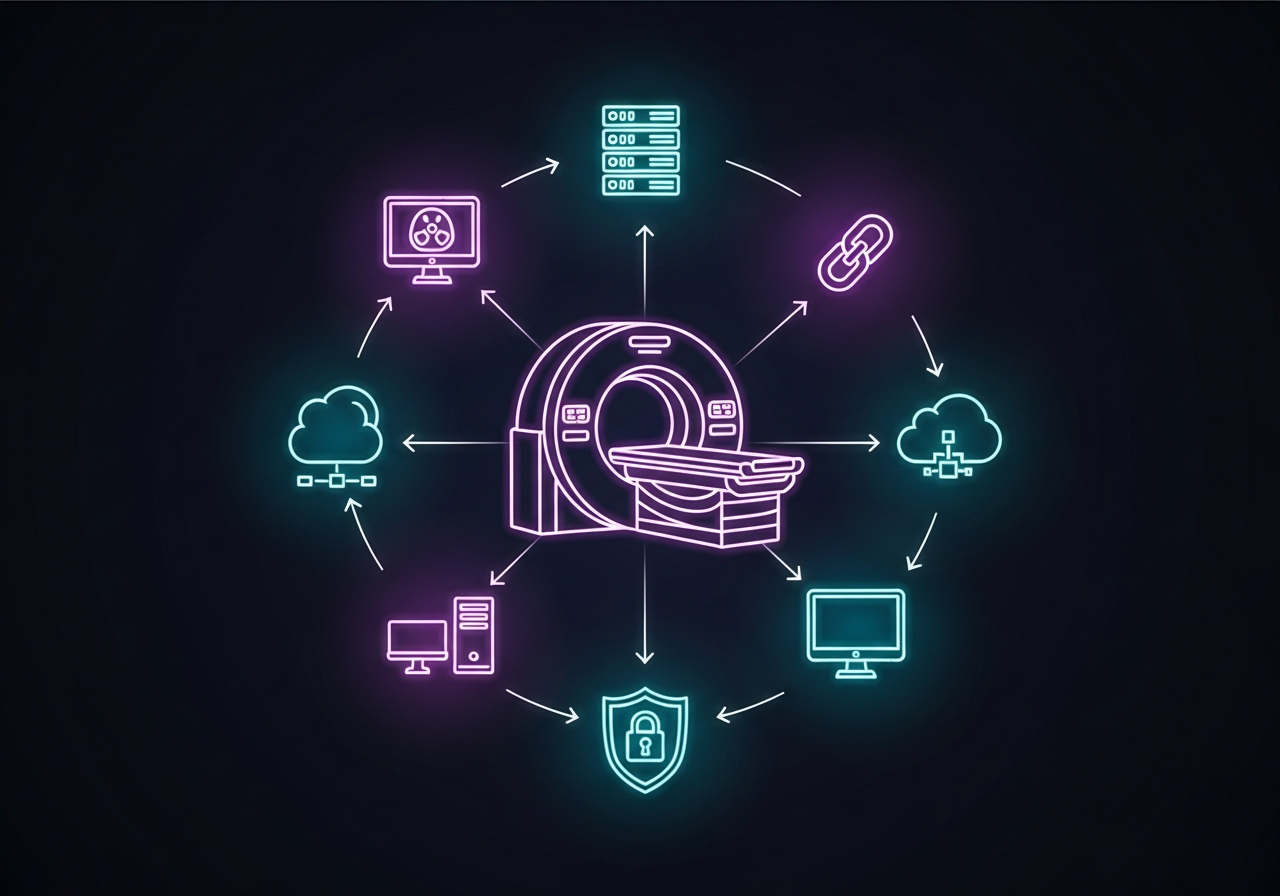
None of these 30 PACS acronyms exist in isolation. A single study touches most of this list on its way from the scanner to a finalized report: an MWL entry starts it, DICOM and HL7 messages move it, a PACS and VNA store it, HIPAA and a BAA govern who can see it, and TAT measures how long the whole thing took. Radiology IT teams that keep this vocabulary straight tend to troubleshoot faster and ask vendors sharper questions during evaluations.
If your team is weighing whether your current PACS setup handles these standards well, or you’re building out a new environment from scratch, it’s worth taking the time to explore OmniPACS solutions built around exactly this kind of standards-first architecture. OmniPACS also offers scalable monthly plans for practices that want modern DICOM, HL7, and security handling without committing to a multi-year on-premises contract, worth a look the next time this glossary gets a workout.