
Most health systems that run Cerner PowerChart eventually hit the same wall: a clinician opens a patient chart, looks for imaging, and ends up navigating away to a separate PACS viewer with a different login and no patient context. Fixing that problem is what Cerner PowerChart imaging integration is designed to do, and getting it right requires understanding the moving parts before you touch a configuration file.
This guide covers everything healthcare IT teams need to know to connect PowerChart to a PACS effectively: the underlying workflow architecture, how RadNet fits in, HL7 message flow, DICOM context launch, single sign-on options, and the integration patterns that actually work in production.
A Note on the Oracle Health Rebrand
Oracle acquired Cerner in June 2022 and began rebranding the company as Oracle Health. The platform itself, Cerner Millennium, remains the same foundation. PowerChart is still called PowerChart. RadNet (Cerner’s radiology information system module) continues to operate under its original name. In practice, most organizations, vendors, and integration teams still use “Cerner” in everyday conversation, and the product documentation references both names interchangeably. Throughout this guide, “Cerner PowerChart” and “Oracle Health PowerChart” refer to the same thing.
How Cerner PowerChart Imaging Works
PowerChart is the primary clinician-facing application in the Cerner Millennium ecosystem. It handles documentation, order entry, results review, and clinical decision support. Imaging sits inside that workflow through two mechanisms: the Cerner MultiMedia Foundation (MMF) module, which provides embedded image management inside Millennium, and an external PACS link that launches image studies in a separate viewer from within the patient chart.
Most large health systems use the external PACS link model, meaning the PACS is a third-party system (or a standalone Cerner ProVision deployment) that PowerChart hands off to when a clinician clicks to view imaging.
RadNet: Cerner’s Radiology Information System
RadNet is the RIS module within Cerner Millennium. It handles radiology workflow on the departmental side: scheduling, order tracking, worklist management, and report generation. When a physician places an imaging order in PowerChart, that order flows into RadNet before reaching the PACS.
This is important because RadNet acts as a translation layer. It generates the accession number, which serves as the linking key between the HL7 order and the DICOM study stored in the PACS. Getting that accession number to match across all three systems, PowerChart, RadNet, and the PACS, is often where integrations break.
Building a working understanding of the HL7 messages every PACS administrator should know is foundational for any team configuring Cerner radiology workflows.
HL7 ORM/ORU Exchange: The Order and Report Loop
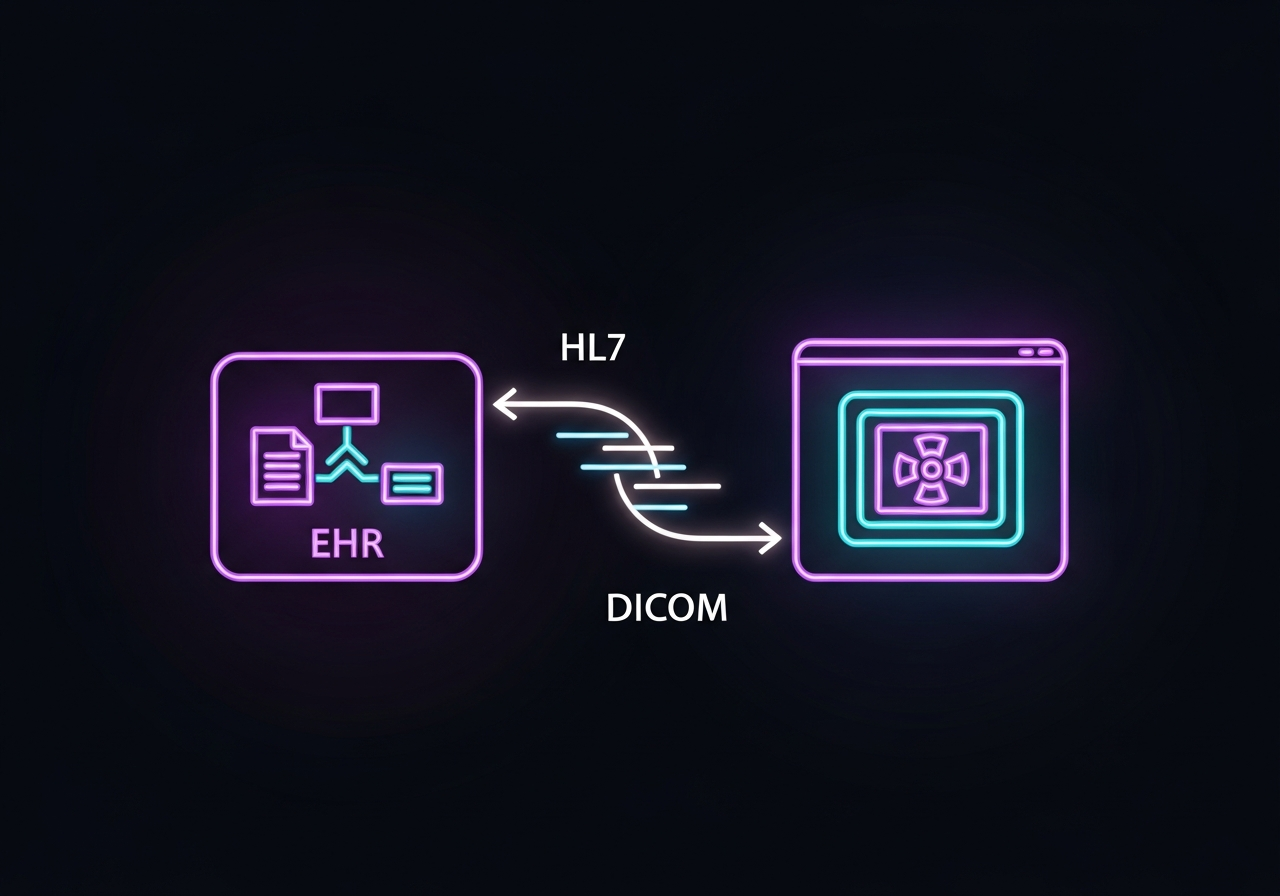
The HL7 messaging layer is what ties PowerChart, RadNet, and the PACS together at the data level. The flow follows a predictable pattern in a properly configured environment.
The Order Side (ORM)
When a physician places an imaging order in PowerChart, an HL7 ORM message (Order Message) is generated. That message travels through an integration engine (such as Mirth Connect, Rhapsody, or InterSystems HealthShare) to RadNet and then on to the PACS. The ORM carries the patient’s MRN, visit/encounter number, ordering provider, procedure code, and the accession number assigned by RadNet.
The PACS uses the ORM to pre-populate its worklist. When the technologist scans the patient and acquires images, the DICOM study tags are stamped with the same accession number so that the images can be linked back to the original order.
The Result Side (ORU)
After the radiologist dictates and signs the report in the PACS or RIS, an HL7 ORU message (Observation Result Message) carries the finalized report back to PowerChart. This is what makes the report appear in the “Results” tab of the patient chart. A missing or delayed ORU is typically why reports show up in the PACS but not in PowerChart.
Most Cerner environments route ORU messages back through RadNet for reconciliation before they land in Millennium results. This two-hop return path adds latency and an additional point of potential failure that teams need to monitor.
DICOM Image Launch from PowerChart
Getting the images themselves to appear in a clinical context, tied to the right patient and the right study, requires more than just HL7. This is where DICOM context launch comes in.
How Context Launch Works
When a clinician clicks on an imaging order or result in PowerChart, the system sends a context token to the PACS viewer. That token contains the patient MRN, the accession number, and study identifiers. The PACS uses that context to pull up the correct study without requiring the clinician to search manually.
There are two main mechanisms for this in Cerner environments:
The legacy approach uses a custom URL scheme, sometimes called a “hyperlink integration” in Cerner documentation. PowerChart constructs a URL with patient and study parameters baked in, and the PACS viewer opens to that specific study. This works but is brittle: URL formats change with PACS upgrades, and character encoding issues can break the launch silently.
The modern approach uses SMART on FHIR for app launch. Instead of a custom URL, the PACS viewer is registered as a SMART app within the Cerner FHIR ecosystem (Ignite APIs). When the clinician clicks, PowerChart initiates a standards-based app launch with context passed through an OAuth token. This approach is more resilient and scales better across multi-facility environments. Oracle Health’s native FHIR integration for PowerChart has been in active rollout, with broader adoption expanding across health systems into 2026.
Single Sign-On Options
SSO is often treated as a nice-to-have during integration planning and becomes a non-negotiable demand six months into go-live when radiologists and clinicians are fighting dual logins. There are three common SSO approaches in Cerner PowerChart PACS environments.
LDAP/Active Directory
The simplest option is shared directory authentication. Both PowerChart and the PACS authenticate against the same Active Directory domain. Users log into their Windows session once, and neither system prompts for credentials again. This works well in single-facility environments where everyone is on the same network and the same domain.
SAML-Based Federated Identity
Larger health systems and those with multiple facilities typically use SAML (Security Assertion Markup Language) for federated identity. The identity provider (often Microsoft ADFS or Okta) issues a token when a user authenticates, and both PowerChart and the PACS accept that token. This model handles cross-facility access and remote users better than pure LDAP.
SMART on FHIR OAuth
When context launch is implemented via SMART on FHIR, SSO is effectively baked in. The OAuth flow that carries context to the PACS also authenticates the user. This is the most future-proof approach and the direction Oracle Health is actively pushing with its Ignite platform.
Common Integration Patterns
Teams implementing Cerner integration typically choose from three architectural patterns for connecting PowerChart to a PACS, each with different trade-offs.
Direct Integration
The PACS connects directly to Cerner Millennium via HL7 interfaces, with the integration engine handling message routing. This is the most common pattern in smaller organizations or those running Cerner’s own ProVision PACS. It requires fewer middleware components but also means the PACS and PowerChart are tightly coupled, so upgrades to either system require coordinated testing.
Middleware Orchestration
In this pattern, a healthcare integration platform sits between all systems. The middleware (such as Rhapsody, Mirth, or Azure Health Data Services) manages message transformation, routing, error handling, and retry logic. This approach adds infrastructure overhead but makes the overall architecture more maintainable and auditable. Health systems running multiple PACS systems across different facilities almost always end up here.
Vendor Neutral Archive (VNA) as the Integration Hub
Some health systems place a VNA between the PACS and PowerChart. The VNA normalizes image data from multiple source systems and exposes a single DICOMweb/FHIR endpoint that PowerChart can query. This model is common when organizations are consolidating multiple departmental PACS systems or managing image sharing across an integrated delivery network. The trade-off is added complexity at the VNA layer, but it gives the EHR a single integration point regardless of how many imaging systems sit behind it.
Building a seamless workflow across all these layers requires careful upfront planning about which pattern fits the organization’s current architecture and growth trajectory.
Cerner-Specific Gotchas
Teams that have done Epic PACS integrations often underestimate how different the Cerner environment is. A few issues come up repeatedly.
Patient Identity Matching
Cerner uses multiple patient identifiers internally: the Community Medical Record (CMNR), the facility-level MRN, and the enterprise master person index (EMPI) ID. PACS systems typically only know one patient identifier. When the identifier sent in the HL7 ORM doesn’t match what the PACS has in its patient index, the DICOM study ends up unlinked. Getting this mapping right before go-live is essential.
Accession Number Formatting
RadNet generates accession numbers in a specific format. Some third-party PACS systems truncate or reformat the accession number on receipt. When the ORU comes back, the report lands in PowerChart without a matching study because the accession numbers no longer match. Test this end-to-end with real orders before going live.
Millennium Upgrade Dependencies
Cerner Millennium releases (called Millennium+ or Continuous Delivery updates) can change HL7 interface behavior, context launch URLs, and FHIR API versions. Any PACS integration that relies on specific message formats or URL constructs needs to be regression-tested after every major Millennium update. Organizations on the Oracle Health transition to cloud-native Millennium need to plan for a re-validation of all imaging integrations as part of that migration.
MMF vs. External PACS
If a health system has the MMF module enabled but also wants to use an external PACS, there can be conflicts in how images are indexed and where results are stored. Disabling MMF selectively for specific imaging types or facility configurations requires careful Millennium configuration that is often underdocumented. Work with Cerner Professional Services or a certified implementation partner early if this applies.
What This Means for Your Health System
A Cerner PowerChart PACS integration that works well reduces clicks, eliminates context switching, and keeps imaging results visible to every clinician in the patient’s care team without manual workarounds. Getting there requires treating it as a system design problem, not just a configuration task.
The teams that succeed start with a clear picture of their HL7 message flow, validate patient identity matching before go-live, and choose an integration pattern that fits their current infrastructure rather than the one that looks simplest on paper. They also build test plans that cover upgrade scenarios, not just initial deployment. For health systems navigating the broader landscape of EHR PACS integration challenges, the Cerner-specific details here add an important layer to that foundation.
OmniPACS works with health systems at every stage of the PowerChart integration process, from architecture planning to post-go-live troubleshooting. If your team is designing a new integration or untangling one that isn’t working as expected, explore OmniPACS Solutions to see how a cloud-native PACS can reduce integration friction with Cerner and other leading EHR platforms.
Frequently Asked Questions
Does Oracle Health still support third-party PACS integration with PowerChart?
Yes. Oracle Health continues to support HL7-based integration between PowerChart and third-party PACS systems. The FHIR-based SMART on FHIR app launch mechanism is the newer preferred approach for image context launch, but traditional HL7 ORM/ORU interfaces remain in active use across the installed base. Organizations implementing new integrations should plan for SMART on FHIR where possible.
What is the difference between RadNet and a standalone RIS in a PowerChart environment?
RadNet is Cerner’s native RIS module embedded within Millennium. A standalone RIS is a separate system from a third-party vendor that connects to Millennium via HL7. RadNet has the advantage of tight workflow integration with PowerChart (shared patient context, order management within Millennium), but some health systems prefer standalone RIS platforms for their more specialized radiology workflow features. The integration complexity is higher with a standalone RIS because it adds another HL7 interface hop.
How does a VNA fit into a Cerner PACS integration?
A VNA sits between the source imaging systems and the EHR, normalizing and routing image data through standard DICOM and FHIR interfaces. In a Cerner environment, the VNA gives PowerChart a single DICOMweb or FHIR endpoint to query for images regardless of how many PACS or imaging systems exist behind it. This is particularly valuable for multi-facility health systems running different PACS platforms across their network. OmniPACS is designed to integrate with existing health system infrastructure, including VNA layers, making it a practical choice for complex Oracle Health environments. Teams evaluating their options can also review how the RIS PACS system integration fits into a broader unified radiology workflow.
What should we test before go-live on a PowerChart PACS integration?
The critical test scenarios are: end-to-end order flow (ORM to PACS worklist), image acquisition with correct DICOM tagging (matching accession number), ORU report return to PowerChart results, context launch from the patient chart to the correct study, SSO (no re-authentication prompt), and patient identity resolution across MRN formats. All of these should be tested again after any Millennium upgrade, not just at initial go-live.