
The Evolution of PACS in Modern Radiology
Radiology departments face mounting pressure to read more studies faster while maintaining diagnostic accuracy. The average radiologist interprets 50 to 100 studies per day, with some high-volume practices exceeding that threshold. Legacy imaging systems, designed for a different era, struggle to keep pace with current demands. Modern PACS platforms offer a path forward, transforming how practices store, access, and interpret diagnostic images. The shift toward cloud-native architecture and intelligent workflow tools represents more than a technology upgrade: it fundamentally changes how radiologists work. Improving radiology workflow efficiency with modern PACS requires understanding both the technical capabilities and the practical implementation strategies that drive measurable results.
Transitioning from Legacy Systems to Cloud-Native Architecture
On-premise PACS installations demand significant capital investment, dedicated server rooms, and ongoing IT maintenance. Hardware failures, software updates, and storage expansion create recurring headaches for practice administrators. OmniPACS eliminates this infrastructure burden entirely. Studies are stored securely in distributed data centers with automatic redundancy and are accessible from any location with an internet connection. The transition typically takes a few weeks to a few months, depending on data volume, integration needs, and regulatory requirements, with practices gaining immediate access to modern viewing tools without the traditional deployment complexity.
Addressing Current Bottlenecks in Diagnostic Imaging
Most workflow inefficiencies stem from predictable sources: slow image loading, fragmented patient records, and manual study routing. Radiologists lose valuable minutes waiting for prior comparisons to load or searching multiple systems for relevant history. Studies sit unread because routing rules fail to match available readers with appropriate studies. These bottlenecks compound throughout the day, extending turnaround times and limiting throughput capacity.
Optimizing Interpretation Speed through Intelligent Worklists
The worklist serves as the radiologist’s command center. Traditional worklists present studies in simple chronological or alphabetical order, forcing readers to manually identify urgent cases. Intelligent worklist management changes this dynamic completely, surfacing high-priority studies automatically while distributing routine work efficiently across available readers.
Automated Study Prioritization Based on Clinical Urgency
Modern PACS platforms analyze incoming study metadata to determine appropriate priority levels. Emergency department CT scans are routed differently from routine screening mammograms. STAT orders rise to the top of the queue automatically, while scheduled studies queue appropriately based on clinical context. This automated triage ensures critical findings reach referring physicians quickly without requiring manual intervention from staff.
Dynamic Load Balancing Across Radiologist Networks
Teleradiology networks and multi-site practices benefit from intelligent study distribution. Rather than assigning studies to specific readers manually, the system evaluates current workloads, subspecialty credentials, and availability in real time. A neuroradiologist finishing a complex brain MRI receives the next appropriate neuroimaging study automatically. This load balancing maximizes reader utilization while respecting subspecialty boundaries.
Enhancing Diagnostic Accuracy with Integrated AI Tools
Artificial intelligence in radiology has moved beyond research labs into daily clinical practice. The most effective implementations integrate AI directly into the reading workflow, presenting findings within the native viewer rather than requiring separate applications.
AI-Driven Lesion Detection and Measurement Automation
Lung nodule detection algorithms flag suspicious findings that might otherwise escape notice during high-volume reading sessions. Bone fracture detection assists emergency department interpretations. These tools function as a second pair of eyes, reducing the cognitive load on radiologists while improving detection rates for subtle abnormalities. The key is integration: findings appear as overlays within the primary viewing interface, requiring no additional clicks or context switching.
Streamlining Quantitative Analysis within the Native Viewer
Tumor measurements, cardiac ejection fractions, and liver volumetrics traditionally required separate software packages. Modern PACS platforms incorporate these quantitative tools directly, allowing radiologists to generate precise measurements without leaving their primary workspace. OmniPACS supports these integrated workflows, keeping radiologists focused on interpretation rather than application management.
Improving Interoperability and Collaborative Care
Radiology rarely operates in isolation. Effective diagnosis requires access to clinical context: lab results, medication lists, surgical history, and prior imaging from external facilities. Modern PACS must connect with the broader healthcare ecosystem.
Seamless EHR Integration for Comprehensive Patient History
Bidirectional EHR integration allows radiologists to view relevant clinical information alongside images. Lab values appear in the viewer interface, eliminating the need to open separate applications. Completed reports push directly to the medical record, triggering appropriate notifications to ordering providers. This integration reduces context switching and ensures radiologists have the information needed for accurate interpretation.
Secure Image Sharing and Multi-Disciplinary Team Access
Tumor boards, surgical planning conferences, and specialist consultations require image access beyond the radiology department. Secure sharing portals allow authorized users to view studies from any location without compromising patient privacy. External facilities can transmit prior studies electronically, eliminating the delays associated with CD imports. HIPAA-compliant and GDPR-aligned sharing protocols protect patient information while enabling collaborative care.
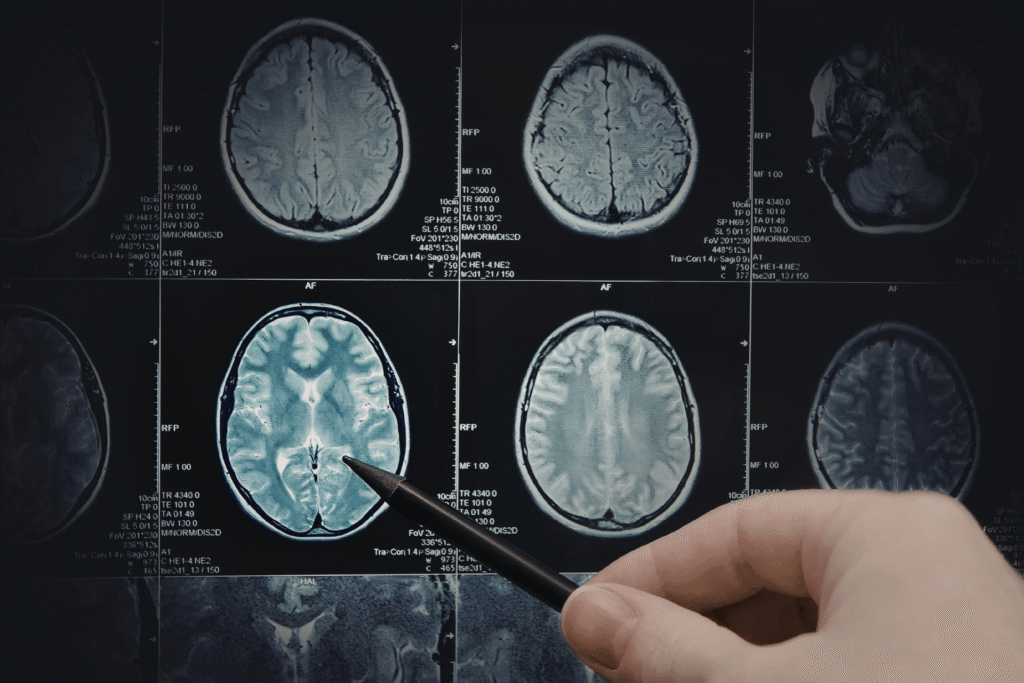
Alt img txt: Close-up of brain MRI scan images displayed on a screen, with a hand holding a pen pointing to one of the brain sections.
Technical Infrastructure for Zero-Latency Performance
Workflow efficiency depends on technical performance. A two-second delay loading each image compounds into hours of lost productivity across a busy department. Modern PACS architecture prioritizes speed through intelligent rendering and optimized data delivery.
Server-Side Rendering for High-Resolution Image Streaming
Traditional PACS downloads entire studies to local workstations before display. Server-side rendering reverses this approach, processing images centrally and streaming only the visible pixels to the viewer. This architecture delivers instant image display regardless of study size or workstation specifications. Radiologists can scroll through large CT studies with minimal perceptible lag, depending on network conditions and server performance.
Reducing IT Overhead with Managed SaaS Solutions
Software-as-a-service PACS platforms shift maintenance responsibility from the practice to the vendor. Updates deploy automatically without disrupting clinical operations. Storage scales dynamically based on volume. OmniPACS exemplifies this approach, offering cloud-based imaging that reduces reliance on local servers and heavy IT maintenance while providing enterprise-grade performance.
Measuring Success and ROI of Workflow Improvements
Workflow improvements require measurement to demonstrate value. Key metrics include average report turnaround time, studies read per radiologist per hour, and referring physician satisfaction scores. Practices that implement modern PACS typically see a 15–30% increase in throughput within the first six months. The financial impact extends beyond productivity: reduced IT costs, eliminated hardware refresh cycles, and improved referring physician retention all contribute to positive ROI.
Frequently Asked Questions
How long does migration to a cloud-based PACS typically take?
Most practices complete migration within two to four weeks, depending on study volume and integration complexity. The process includes data transfer, workflow configuration, and user training. Unlike traditional on-premise installations, cloud platforms require no hardware deployment.
What internet bandwidth is required for cloud PACS performance?
A business-class connection of at least 200 Mbps is recommended for optimal performance, especially for high-resolution imaging and multiple concurrent users. Server-side rendering reduces bandwidth requirements significantly compared to full study downloads. Practices in areas with limited connectivity can implement local caching for commonly accessed studies.
How does cloud PACS handle HIPAA compliance requirements?
Reputable cloud PACS vendors maintain SOC 2 certification and sign Business Associate Agreements. Data encryption protects studies in transit and at rest. Access logging and audit trails document all user activity for compliance verification.
Can AI tools integrate with any PACS platform?
Integration capabilities vary significantly between platforms. Modern cloud-native systems typically offer APIs and standardized interfaces for AI tool integration. Legacy systems may require additional middleware or custom development to support AI workflows.
Building a Foundation for Imaging Excellence
Improving radiology workflow efficiency with modern PACS delivers measurable benefits across clinical, operational, and financial dimensions. The combination of intelligent worklists, integrated AI tools, and zero-latency performance transforms how radiologists work. Practices ready to modernize their imaging infrastructure should evaluate cloud-based solutions that eliminate IT burden while delivering enterprise capabilities. For organizations seeking a straightforward path to modern imaging workflow, OmniPACS offers cloud-based solutions designed for practices that want technology that simply works. Explore OmniPACS to see how streamlined medical imaging can transform your practice.