
A PACS implementation that goes sideways rarely fails because of the technology. It fails because of the sequence. Teams rush to configure before they have finished designing, migrate data before the environment is stable, or schedule go-live before staff have had hands-on time with the system. The result is a go-live day that belongs in a case study on what not to do.
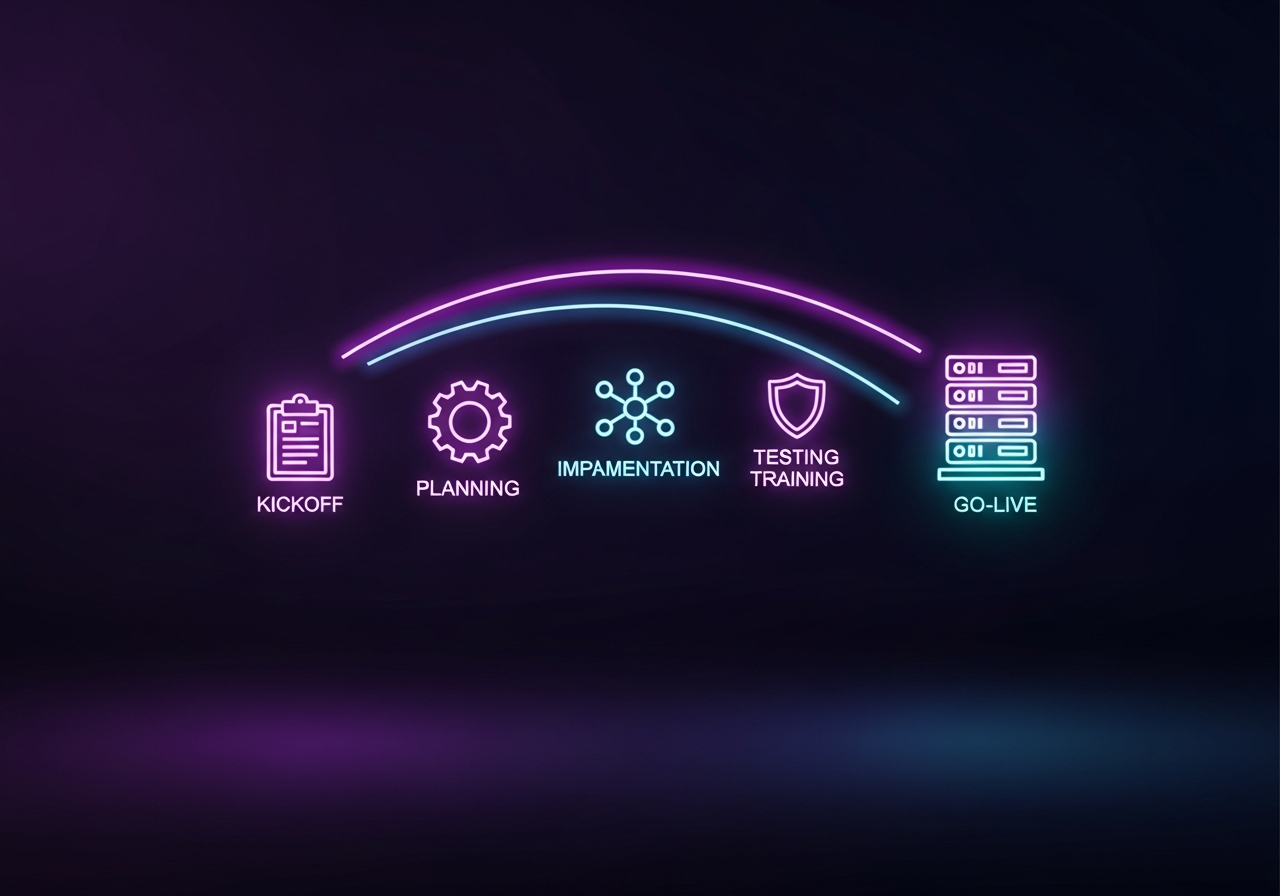
This playbook lays out the phased approach that distinguishes successful PACS implementation projects from those that drag on for months past their original deadlines. Seven phases, each with a clear purpose and a defined exit gate. Whether your facility is replacing an aging on-premise system or deploying cloud PACS for the first time, the structure holds.
Phase 1: Discovery and Kickoff
Every implementation starts with a kickoff meeting, but the quality of what happens before and during that meeting determines whether the project has a real foundation or just a calendar.
Before kickoff, document your current state. How many modalities are sending images? What is your daily study volume? Which PACS workflows do radiologists rely on that are not obvious from a feature list? This is also the moment to surface integration dependencies: your RIS, your EHR, any AI tools, and any referring physician portals that need to connect to the new system. Understanding EHR PACS integration challenges early prevents those dependencies from becoming surprises during testing.
Steering Committee Formation
A PACS implementation touches more people than most healthcare IT projects. The steering committee should include radiology leadership, IT infrastructure, a clinical informatics representative, biomedical engineering, and at least one referring physician. This group owns the project charter, resolves escalations, and approves phase transitions.
Kickoff Deliverables
The kickoff phase is complete when you have a signed project charter, a confirmed vendor point of contact, a stakeholder communication plan, and a project timeline with phase exit criteria defined. Without those four items in writing, you are not ready to move to design.
Phase 2: System Design and Architecture
Design is where the real decisions get made. The temptation is to treat this as a vendor-led configuration exercise, but facilities that do it right treat design as a joint exercise: the vendor brings technical constraints, the facility brings workflow requirements, and the two get reconciled before anything is built.
Workflow Mapping
Start with the current workflow, not the ideal one. Document how orders flow from the EHR to the modality. How does the technologist access the worklist? Where does the report get routed after the radiologist signs it? Who accesses priors, and from where? This mapping exercise almost always surfaces integration points the vendor did not know about, and workflows that radiology assumed were standard but are actually custom to your facility.
Infrastructure Assessment
For cloud PACS deployments, the infrastructure conversation centers on network performance and connectivity rather than on-site hardware. Evaluating PACS infrastructure requirements before finalizing architecture prevents bandwidth surprises once high-volume DICOM transfers start moving across the network. Key variables include study compression settings, display workstation specifications, and whether referring physicians will use a zero-footprint viewer or a native client.
Integration Architecture
Map every system-to-system interface: the modality worklist feed from the RIS or EHR, the MPPS confirmation loop back from the modality, the HL7 result routing path, and any WADO or DICOMweb endpoints used for image retrieval. OmniPACS provides interface specifications for each of these connection points early in the design phase so that integration work can begin in parallel with environment build, rather than waiting until the system is fully configured.
Phase 3: Data Migration
Data migration is where PACS deployments most often run into delays. Historical image data is large, often inconsistent, and usually stored in a legacy system that the vendor no longer actively supports.
Migration Strategy Options
Three approaches are in common use:
- Full forward migration: all historical data moves to the new PACS before go-live. Maximizes access but requires the longest pre-go-live window.
- Staged migration: recent studies (typically the past one to three years) migrate first; older studies follow on a rolling schedule post-go-live. Balances risk against access.
- Parallel archive: legacy PACS remains accessible for prior retrieval while the new system takes all new studies. Lowest pre-go-live data risk, but highest operational complexity.
The right choice depends on study volume, the age distribution of clinically relevant priors, and how aggressively the facility can staff the migration window. For most facilities switching to cloud PACS, a staged migration with the most recent two years of data is the practical starting point. The full PACS migration checklist covers validation steps and rollback triggers for each approach.
Migration Validation
Every migrated study needs to be verified: correct patient demographics, correct modality type, correct number of images, and DICOM conformance against the target system’s ingestion rules. Run a sample validation pass early in the migration window, not just at the end. Catching a systematic demographic mismatch on study 500 is far less painful than catching it on study 500,000.
Phase 4: PACS Implementation Configuration and Integration Testing
This phase is about building the environment and confirming it works under realistic conditions before any clinical user touches it.
Configuration Priorities
Configure in dependency order. Start with user roles and access permissions, then worklist routing rules, then display protocols for each modality type and subspecialty. Hanging protocols for chest CT differ from those for MSK MRI. Radiologists should be consulted on display protocol preferences before configuration, not during UAT when changing them is disruptive.
Integration Testing Checkpoints
Test each modality connection individually before testing modality groups. A single scanner that sends malformed MPPS messages can corrupt worklist data across the entire system if it goes undetected in testing. The medical imaging system integration framework covers the integration test sequence in detail, including how to structure the test environment to isolate issues by connection type.
OmniPACS builds a dedicated test environment for every implementation, mirroring production configuration, so integration failures can be reproduced and resolved without touching the live system.
User Acceptance Testing
User acceptance testing (UAT) is not a check-the-box exercise. It is the first time real users interact with the system under real workflow conditions. Structure UAT around use cases, not features: a radiologist reading a CT chest with priors available, a technologist completing a mammography study, a referring physician pulling an image on a tablet. Each use case should have a defined expected outcome. Any outcome that does not match is a defect, not a complaint.
If you find yourself thinking “we’ll fix that after go-live,” stop. Collect defects, triage them, and resolve the blockers before advancing to the next phase.
Phase 5: Training
Training is consistently the most under-resourced phase of a PACS deployment. Teams assume that because the system is intuitive, minimal training is needed. Radiologists who trained on the legacy system for a decade do not find a new viewer intuitive on day one. Give the training phase the budget and calendar time it deserves.
Role-Based Training Design
Different users need different training. A radiologist needs deep fluency in the viewer: hanging protocols, measurement tools, comparison navigation, and report routing. A CT technologist needs to know how to manage the worklist, reconcile patient demographics, and complete the MPPS workflow. A referring physician needs exactly two things: how to open a study from the EHR link and how to share an image with a colleague.
Mixing these audiences in a single training session wastes everyone’s time. Structure training by role, keep sessions short, and run them as close to go-live as practical. Information delivered four weeks before go-live evaporates. Information delivered four days before go-live sticks.
Train-the-Trainer Model
For larger facilities, the train-the-trainer approach scales better than trying to get every user in a vendor-led session. Identify three to five super-users per department: people who pick up new systems quickly and who colleagues will actually ask for help. Train them deeply, give them early access to the test environment, and deploy them as floor support on go-live day.
Industry guidance on cloud PACS implementation consistently points to just-in-time training paired with dedicated floor support as the combination that produces the smoothest go-live days.
Phase 6: Go-Live
Go-live is not the finish line. It is the moment when the project transitions from a controlled implementation environment to an operational one, and the risk profile changes completely.
Cutover Planning
Define the cutover window precisely. For most facilities, a weekend cutover reduces patient impact. Specify the exact moment when the legacy PACS stops receiving new studies and the new system becomes the system of record. Have a rollback decision point: if a critical failure occurs within the first two hours, what triggers a rollback, and who has the authority to call it?
Parallel operation, where both systems temporarily accept new studies, sounds safe but creates reconciliation problems that are hard to unwind. A clean cutover with a well-tested rollback plan is less risky in practice than an extended parallel window.
Go-Live Command Center
Staff a command center for the first 48 to 72 hours. This does not need to be elaborate: a room, a communication channel, a contact list, and someone with vendor escalation authority. Assign super-users to each clinical area during peak hours. The goal is to resolve issues at the floor level without escalating every question to IT.
OmniPACS provides on-site or remote go-live support for every deployment, with direct escalation paths to the implementation team throughout the critical window.
First-Week Monitoring
Track study turnaround time, worklist response time, and image load speed from hour one. Turnaround time will typically increase in the first week as staff adjust to the new system. This is normal and expected, but the data tells you whether the increase is within the expected range or whether something is wrong with the configuration.
Phase 7: Post-Go-Live Stabilization
Most implementation plans end at go-live. The best ones extend for 30 to 90 days beyond it, because the first month of live operation is where process gaps become visible and where the difference between a good deployment and a great one gets made.
30-Day Review
At the 30-day mark, run a structured review with radiology leadership and IT. What complaints came up repeatedly? Which workflows are taking longer than baseline? Are the display protocols matching what radiologists actually need, or were some defaults left at generic settings during UAT? This review should produce a short list of configuration adjustments, not a feature wish list.
Performance Benchmarking
Establish performance benchmarks at go-live and track them weekly: image load time, worklist query speed, system uptime, and report turnaround time. These benchmarks are your early warning system. A gradual degradation in image load time over four weeks is a storage or network issue that is much easier to address before it becomes a user complaint.
Ongoing Support Transition
At some point, the implementation team hands off to ongoing support. That transition should be formal: documentation of the configuration, a list of open items with owners, and a defined support contact structure. The worst outcome is a six-month-old PACS system where no one can answer why a specific routing rule was set up the way it was because the implementation engineer is gone, and no one wrote it down.
Frequently Asked Questions
How long does a PACS implementation typically take?
For a mid-size facility with one to three imaging sites, a well-run implementation runs 12 to 20 weeks from signed contract to go-live. Larger health systems with multi-site rollouts, complex EHR integrations, or large historical data migrations can take 6 to 12 months. The biggest timeline driver is not the technology but the data migration scope and the organization’s capacity to complete user acceptance testing on schedule.
What is the biggest risk in a PACS go-live?
The most common go-live failure point is an integration that worked in the test environment but fails under production load. A modality worklist that returns correct results with 10 simultaneous users may fail with 200. Load testing the integration layer under realistic peak conditions, before go-live, is the single highest-value thing most implementation teams skip.
Should we run the old and new PACS in parallel after go-live?
Extended parallel operation is generally not recommended. It creates confusion about which system is authoritative, doubles IT support’s workload, and often delays when users commit fully to the new system. A clean cutover with clear rollback criteria is almost always the better approach.
How do we handle access to historical images after cutover?
This depends on your migration strategy. If you ran a full forward migration, priors are in the new system. If you ran a staged migration, the legacy PACS needs to remain accessible for prior retrieval until the migration completes. Define the prior access plan explicitly in your migration strategy and communicate it to radiologists before go-live, not after they cannot find a study from three years ago.
What should we look for in a PACS partner for implementation support?
Beyond the feature set, evaluate how the vendor structures implementation support: dedicated project manager or shared resource, test environment provisioning, go-live on-site staffing, and the escalation path when something breaks. Teams that have deployed OmniPACS across diverse facility types, from single-site specialty clinics to multi-hospital networks, bring implementation pattern recognition that a first-deployment vendor cannot. You can explore OmniPACS implementation services to see how that support structure is built into every deployment.
Can we phase the rollout by department or modality?
Yes, and for large facilities, it is often the lower-risk path. Radiology typically goes first because it has the highest image volume and the most at stake in the viewer configuration. Cardiology, oncology, or other enterprise imaging departments follow in subsequent waves. A phased rollout extends the overall timeline but reduces the peak complexity at any single go-live moment and allows the team to apply lessons from the first wave to subsequent ones.